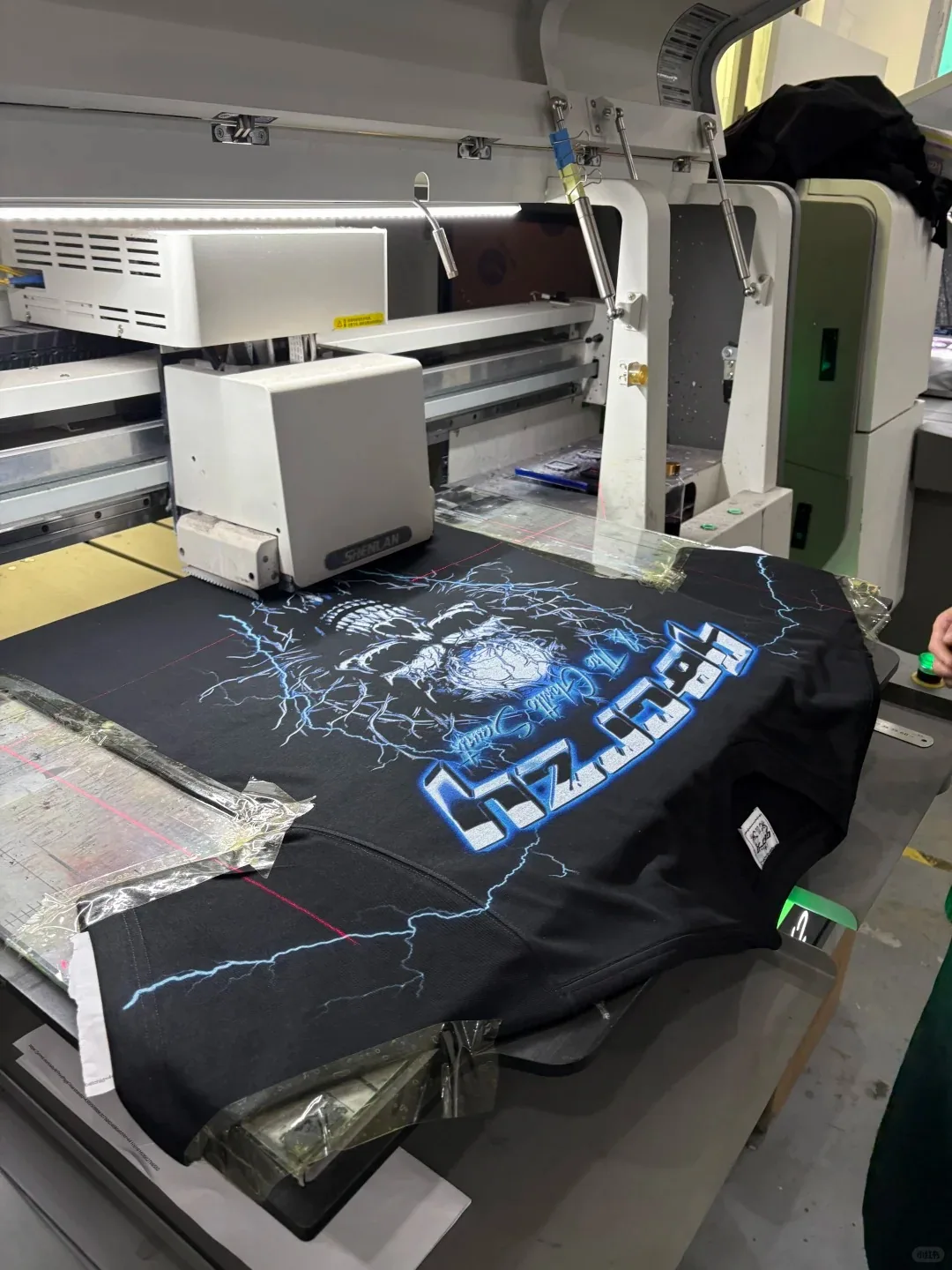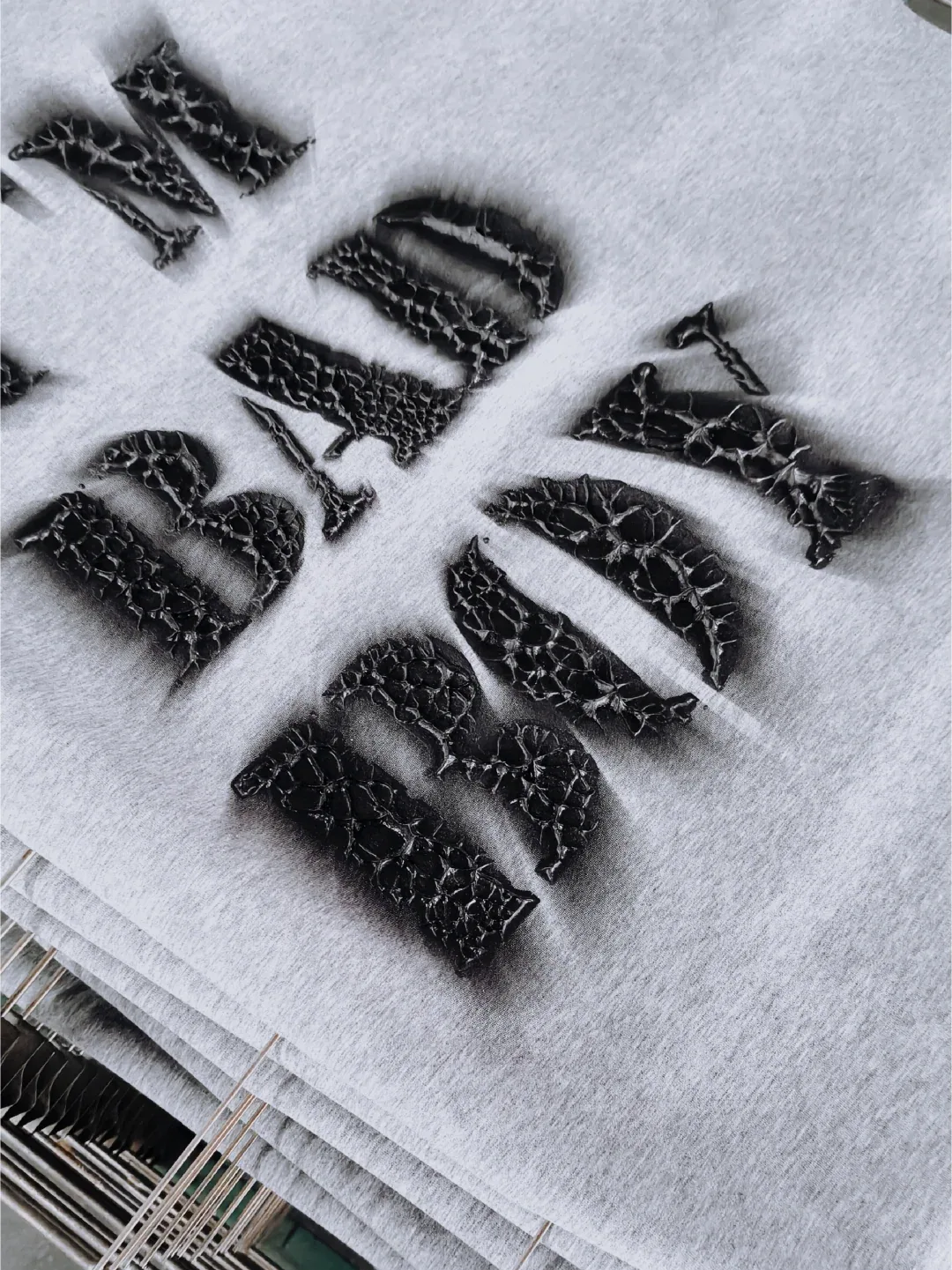
3D silicone heat transfer logos offer a way to combine raised decoration with colour and fine graphic detail. For a clothing brand, the useful question is not simply how thick the logo looks. It is which parts of the artwork should stand out, which should remain detailed, and how the complete design will work on the intended garment.
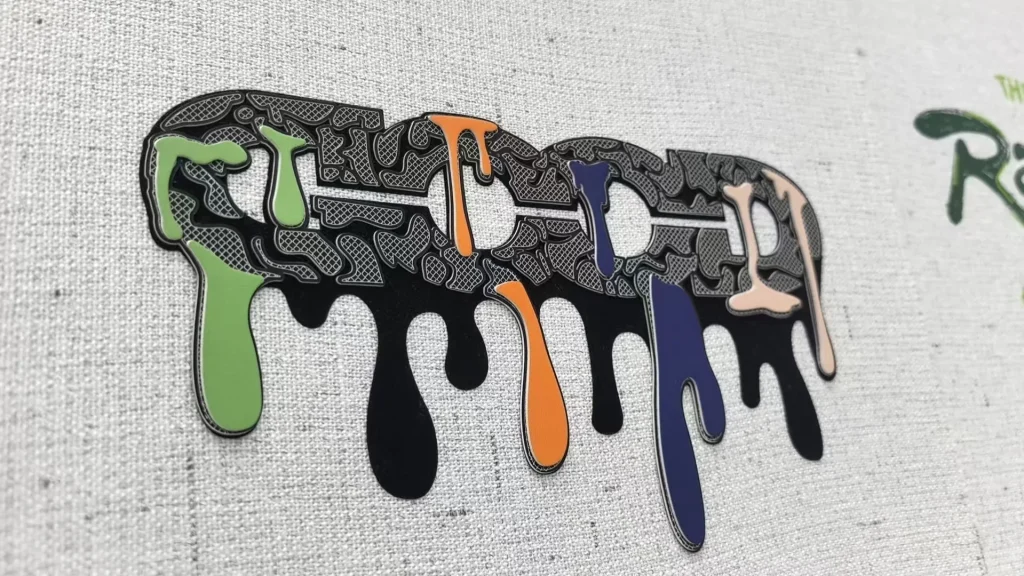
The sample photos in this guide show two mixed-media design directions: coloured drip details over patterned lettering, and geometric panels framed by raised outlines. They are references for discussing construction and sampling, not proof of a particular fabric composition or wash-performance rating.
What Is a Silicone Heat Transfer Logo?
A silicone heat transfer logo uses silicone-based decoration in a design intended for heat application. The visible effect can include raised lettering, textured surfaces or a combination of raised areas and finer graphic details. The backing, material build-up and application method still need to be specified; the front of a sample does not reveal the complete construction.
Not every three-dimensional print is silicone, and not every silicone decoration is a heat transfer. If you are choosing between processes, start with the heat transfer printing guide and identify whether your priority is a detailed image, tactile relief or both.
Sample One: Raised Drip Details and Patterned Lettering
The first design combines dark outlines, fine line patterns inside the letters and contrasting coloured strokes. The close-up below makes the separate visual roles clearer: the line pattern provides detail, while the coloured areas establish the main highlights.
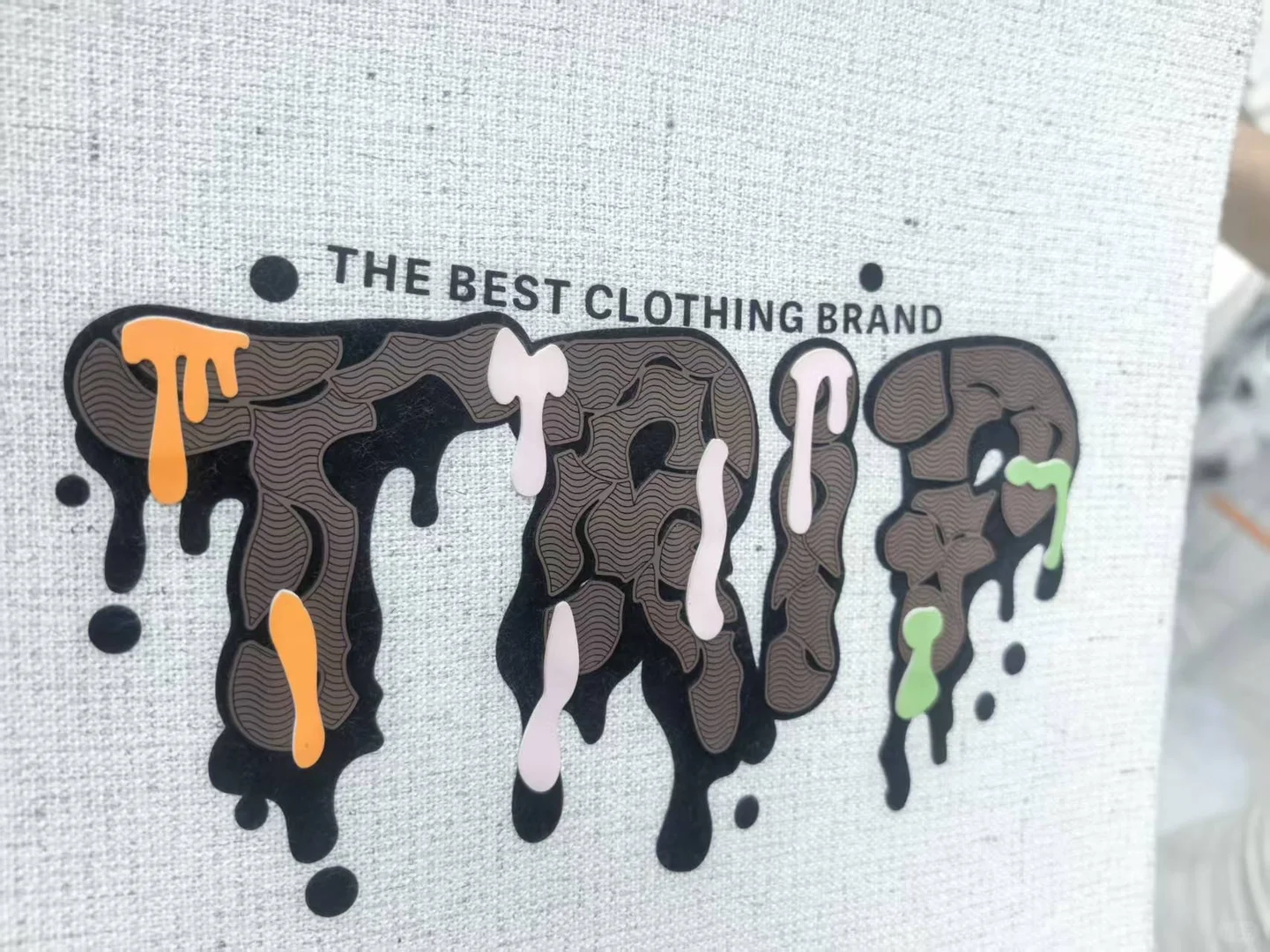
For your own artwork, mark which areas need relief rather than asking for the entire image to have one uniform thickness. Also specify whether the dark outline is part of the visible design or only a boundary between coloured sections. These decisions affect the appearance of small spaces and the clarity of the lettering.
Sample Two: Geometric Colour Panels and Raised Borders
The second design uses a different balance. Dark borders separate the shapes, while coloured graphic areas and red triangular details create contrast inside them. When approving a sample, check that the raised borders and coloured panels align cleanly at the intended production size.
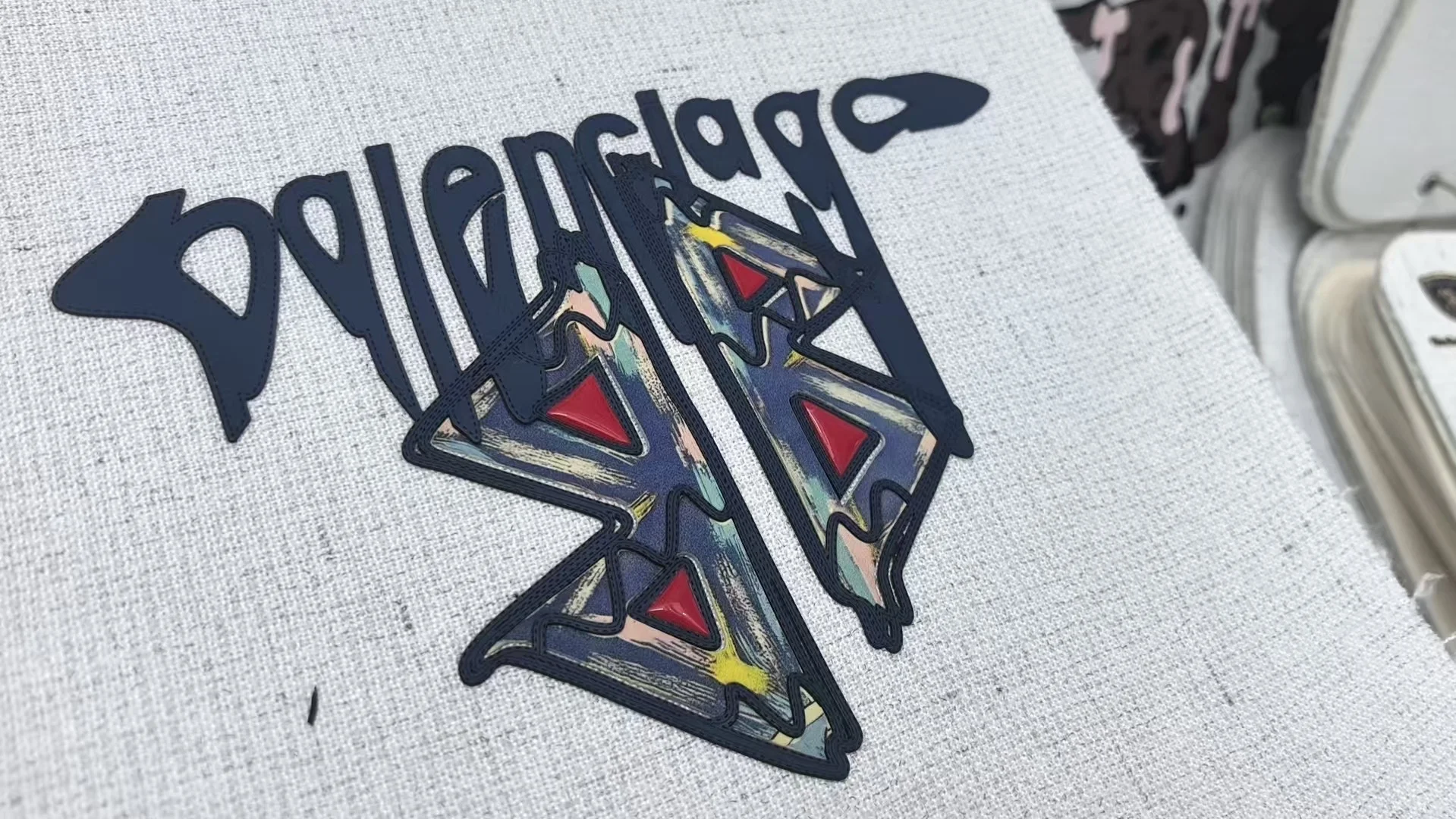
These images illustrate decoration techniques, not a brand partnership or an offer to reproduce the displayed third-party marks. Provide your own artwork or a logo you are authorised to use.
How This Differs From Other Decoration Methods
- A flat transfer: choose the effect for its graphic result; do not assume a detailed colour image will also reproduce the relief shown in these samples.
- Silicone toothbrush printing: the distinctive fine, bristle-like texture is a different design direction. See our silicone toothbrush printing examples before treating the two names as interchangeable.
- Embossing: raised or recessed fabric effects have a different appearance from an applied, outlined graphic. Compare the embossed clothing sample guide.
The reference image should guide the discussion, but the final sample should establish the actual technique and material specification.
Prepare the Artwork Before Requesting a Sample
- Finished size: supply the width and height in millimetres or centimetres, plus the placement on the garment.
- Separate effects: identify raised areas, flat graphic areas, fine lines and open spaces. Do not rely on a single note saying “make it 3D.”
- Usable files: provide vector artwork when available, with a clear reference image for the intended finish. A PDF is not automatically a vector file.
- Colour references: specify the required colours and approve a physical sample; phone screens and lighting can change the apparent shade.
- Garment information: include the fabric composition, weight, stretch, surface finish and garment colour when known.
If you only have a screenshot or low-resolution reference, use our artwork preparation service information to discuss what needs redrawing before production artwork is agreed.
Approve the Applied Sample, Not Just the Loose Logo
A sample on a display textile does not establish performance on a finished hoodie or T-shirt. Apply the proposed construction to the intended production fabric before approving bulk work.
- Check the artwork at actual size. Look at the smallest text, narrow gaps, corners and alignment between effects.
- Check the garment surface. Review the area around the logo as well as the logo itself for unwanted marks, distortion or colour change.
- Check movement and handle. Assess whether the applied design bends appropriately with the garment and whether the intended relief remains clear.
- Agree on care testing. Record washing and drying conditions, inspection criteria and the approved result. Photographs alone cannot establish a wash-cycle guarantee.
Use the selected transfer’s application instructions for temperature, time, pressure, peel method and any protective materials. Do not copy a generic press recipe from a different construction. As a general process reference, Thermopatch’s positioning guidance also directs applicators to the instructions for the specific product being applied; it is not an application specification for the samples above.
Frequently Asked Questions
Can a logo combine raised areas and fine colour detail?
That is the design direction illustrated here. Identify the role of each area in the artwork, then approve the combination at the intended size. A flat mockup does not establish the final relief or material construction.
Can I use this effect on any hoodie or T-shirt?
Do not assume compatibility from the garment name alone. The fabric, finish, stretch, dye and selected transfer construction need to be reviewed together and checked on an applied sample.
What thickness, price or wash life should I specify?
These photos do not establish those values. Request a quotation and sampling plan for your artwork, size, quantity and fabric, then agree on the required relief and care-test criteria. Keep development, decoration and garment scope clear in the quotation.
Discuss a Custom Logo for Your Collection
Send Eking Clothing your own artwork or authorised reference, garment type, placement size, proposed quantity and fabric details. Indicate which parts should be raised and which need fine graphic detail so the next discussion can focus on a defined sample.